Hi Brett,
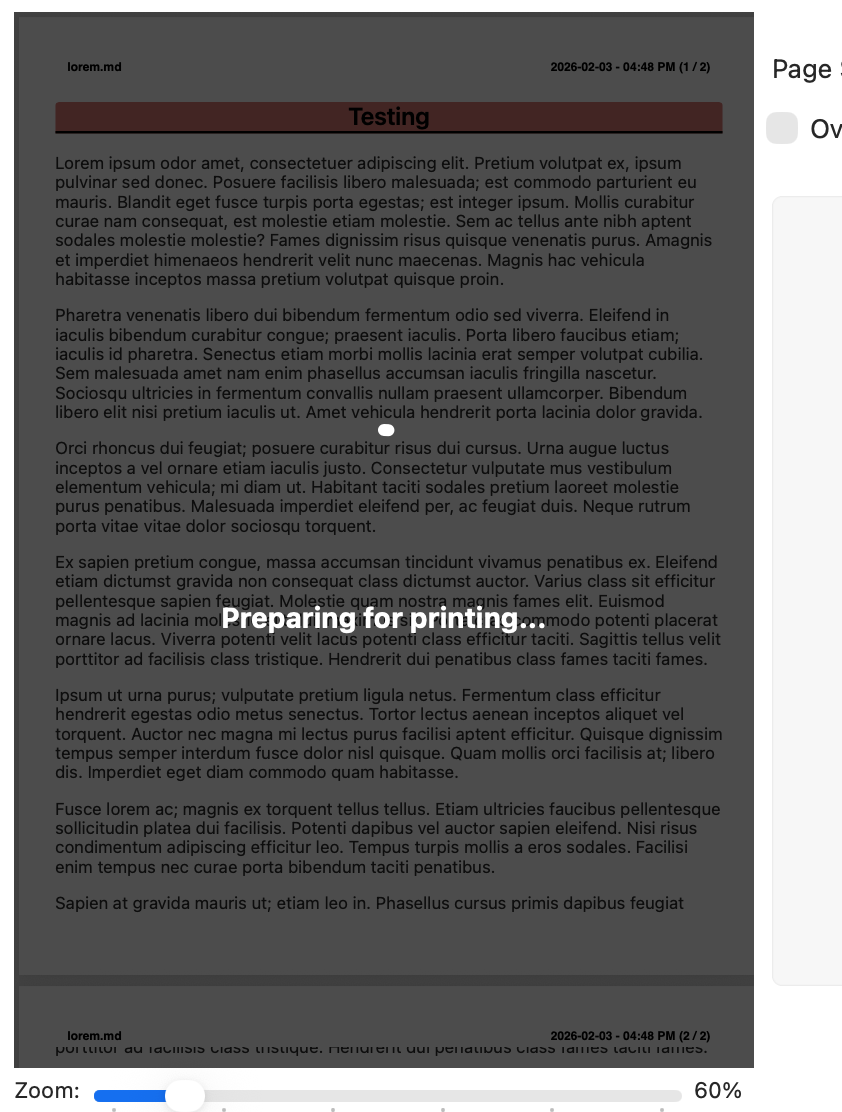
When I click "Print" in the menu bar and then click "Print (⌘P)" again in the dialog box, the preparation steps take a while. Is there any way to improve the speed of this process? Thank you.
 Athene
9
Athene
9
Hi Brett,
When I click "Print" in the menu bar and then click "Print (⌘P)" again in the dialog box, the preparation steps take a while. Is there any way to improve the speed of this process? Thank you.
I've done some work for the next release that improves the progress display of the Preparing section, but the delay is not fixable. Because the print system no longer functions on newer webkits and on 10.13+, I have to generate the PDFs by:
It's not ideal, but it's the only way to offer things like headers/footers, real pagination that doesn't break lines in the middle of the text, etc.
