
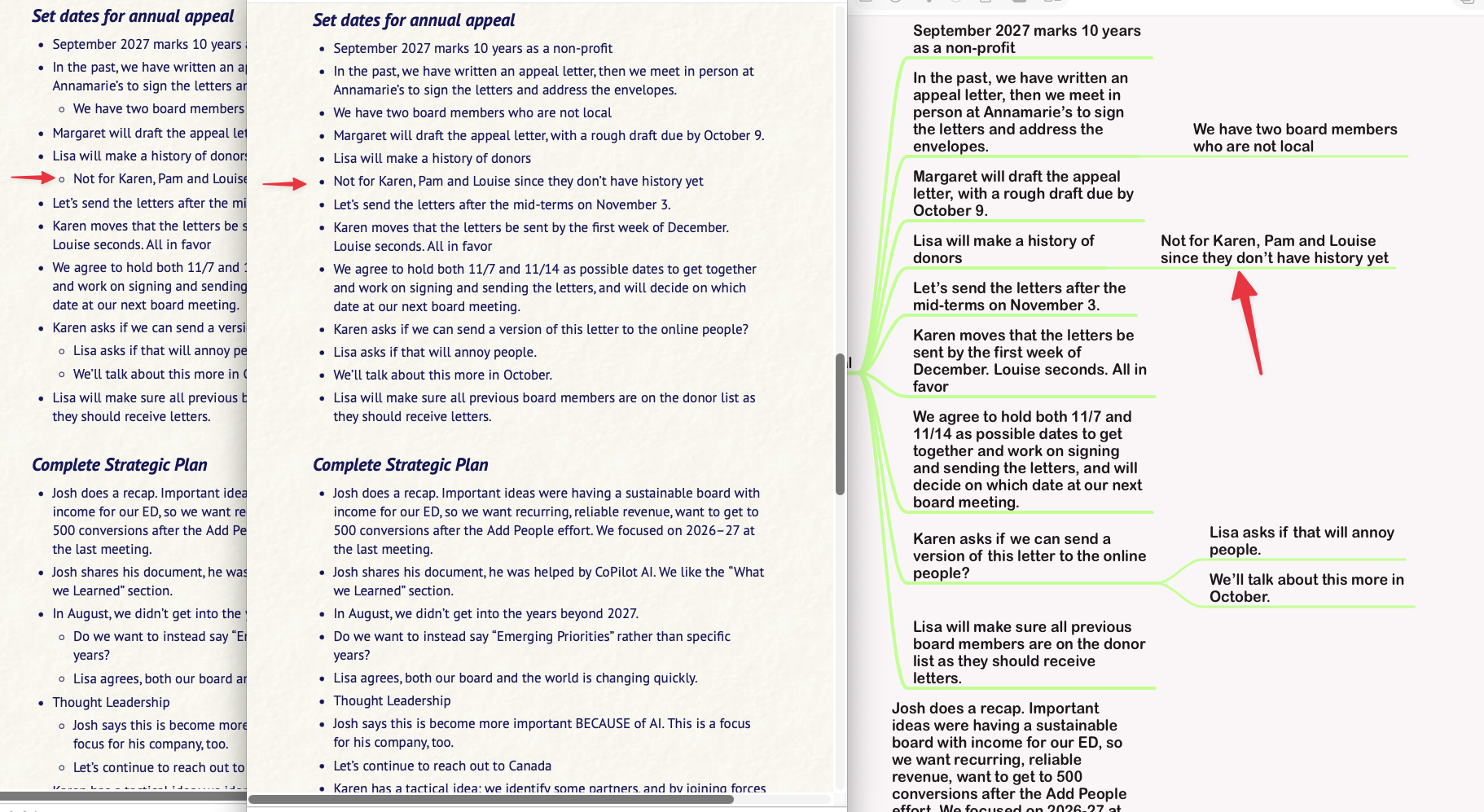
In this screenshot, you can see MindNode on the right and the Marked direct preview of the MindNode file on the left. In the middle is the .md file created from Marked (from the view on the left).
Notice that all of the bullet indents beyond the first level are missing, such that all bullets are at the same level.
I've been a Marked user forever. I've used this workflow for years. But now it's messed up. I had to send a PDF instead of text because only the PDF (of the view on the left) had the indents properly.
What's changed? Do I need to change my workflow?
