
Get rid of info at bottom of document?

Viewed 7

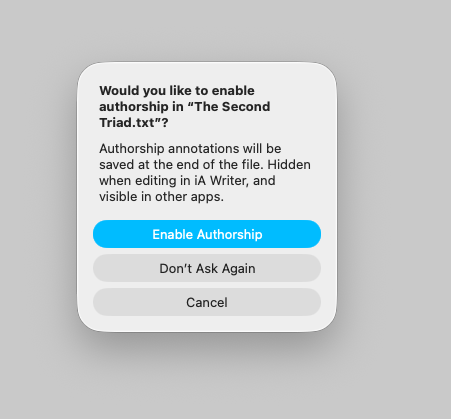
I use the program iA Writer to write my markdown files. When I open them in Marked, I get the information in the attached screen shot down at the bottom. It think the @'s are part of iA Writer's "Author" feature. Either way, is there a way to have this NOT show up in Marked? It doesn't show in iA Writer.
2 Answers

I have no idea what iA Writer is doing here, but Marked definitely doesn't have any special handling around it. It would be frustrating if iA Writer was writing text to your plain text document that it hid but that everyone else would show.

I'll look into it, as I try to keep up with iA's weirdness and non-standard behaviors. But short of writing a Custom Rule for removing this data, there's no built-in handling at present.

Alright, thanks! I'll have to see if I can figure it out. Can't have that random meta data at the bottom of texts! :(

Edit: Well, it's definitely the authorship thing.

I figured out how to turn Authorship off, which removes that data.