Obsidian images not displayed

Viewed 39

Hi:

I am testing Marked 3 (3.2.0) downloaded from the Mac App Store) in conjunction with Obsidian 1.13.7.

  • I have granted Marked 3 disk access
  • I have several times moved the vault folder on the Marked icon in the dock.
  • The Marked obsidian plugin is installed and enabled.

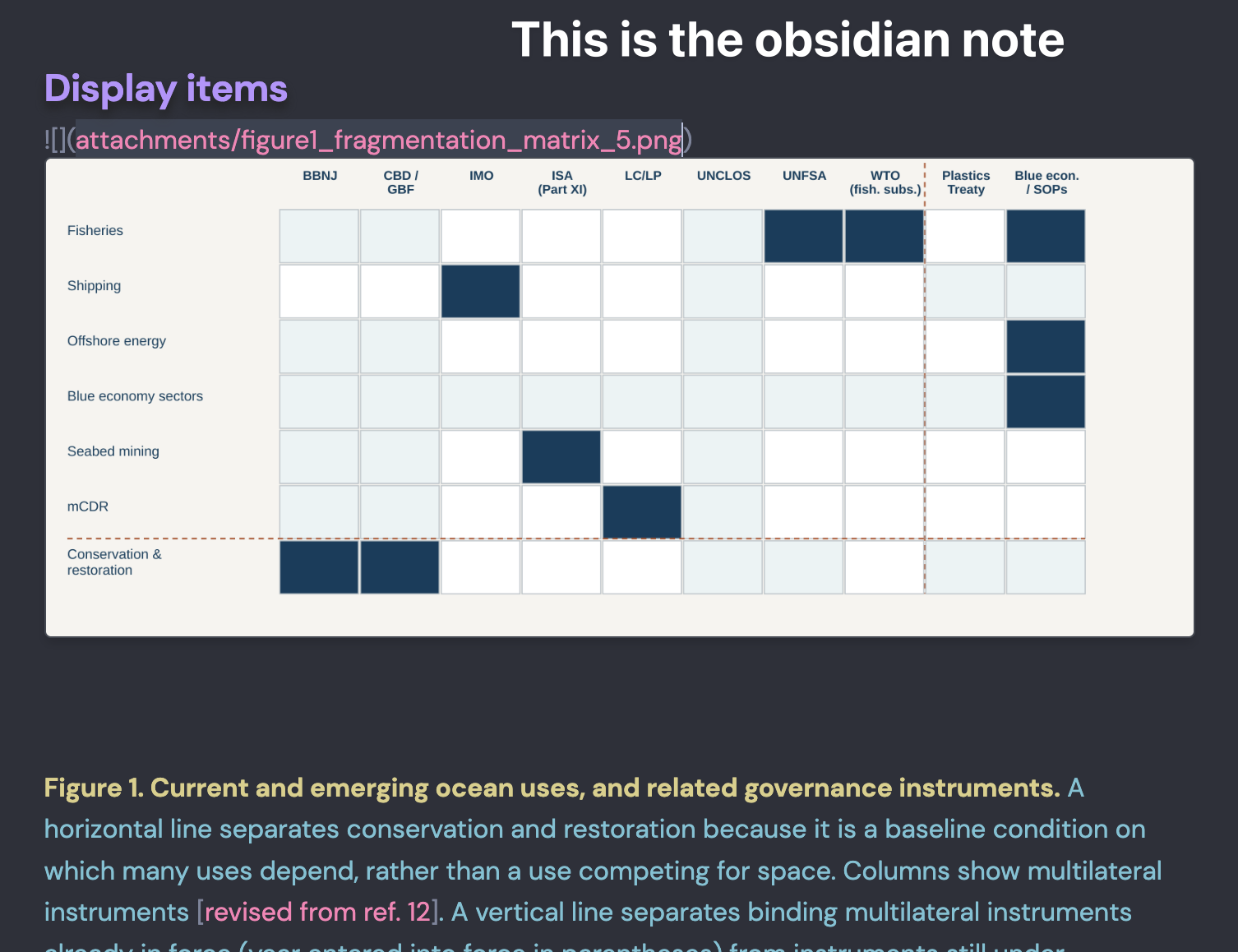
The issue is that images in Obsidian notes are only displayed in Marked 3 if they are in the same folder as the markdown file. Images are not displayed if I change the path to my regular attachement folder.

Help would be much appreciated. Thanks.

3 Answers

The images are png in the Obsidian attachment folder. The format of the tags:

  • not displayed: ![](attachment/figure1_fragmentation_matrix_5.png)
  • displayed if I copy the image in the vault: ![](figure1_fragmentation_matrix_5.png)

Related issue: the images are not displayed in Marked Share

with proper paths:
Images are displayed in Marked3 only if I copy manually the image from its original location in the attachment folder to the notes folder where the note resides ![Image](image).

If I point to the original location of the image in the attachment folder ![Image](attachment/image), it is displayed in the Obsidian note but not in Marked3.

I only have 3 days left for testing.

Yes, I use a Mac App Store version. I did has you suggested but the figure still does not display. See screenshots.