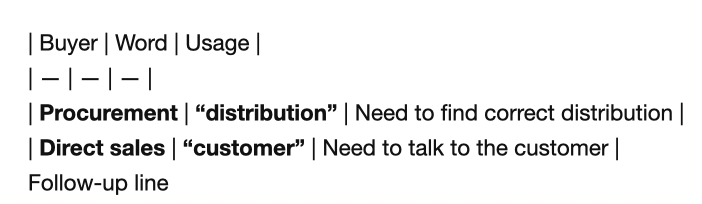
Tables with no blank line after them render as their Markdown source in Marked 3.2.4 (1218). In other places (including this text box), tables do not need a blank line after them to render correctly.
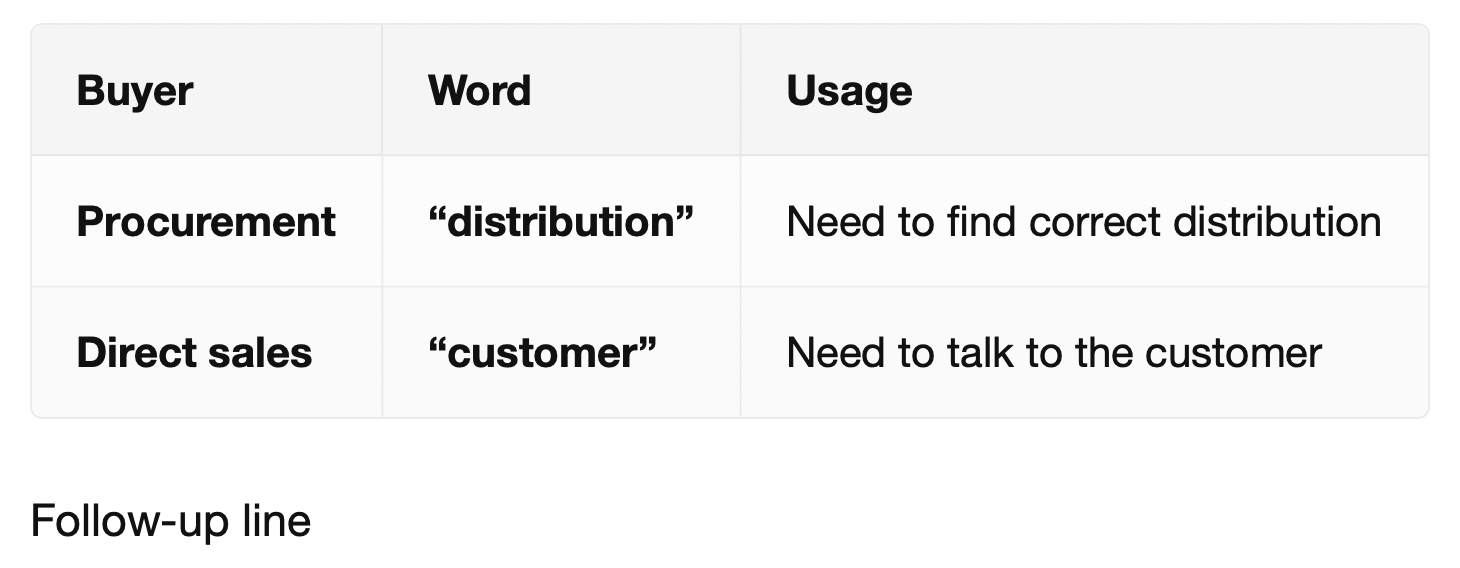
With a blank line: looks great
This Markdown source:
| Buyer | Word | Usage |
| --- | --- | --- |
| **Procurement** | **"distribution"** | Need to find correct distribution |
| **Direct sales** | **"customer"** | Need to talk to the customer |

Follow-up line
Renders correctly in Marked (and in this very support editing box, as it turns out).
No blank line: doesn't render
If you remove the blank line between the table and "Follow-up line," then the table does not render correctly in Marked, but still renders correctly in this support textbox.
| Buyer | Word | Usage |
| --- | --- | --- |
| **Procurement** | **"distribution"** | Need to find correct distribution |
| **Direct sales** | **"customer"** | Need to talk to the customer |
Follow-up line