MarkedQL does not render text in boxes of a Mermaid flowchart diagram

Viewed 7

Hi, first off, thanks for the missing app :-).

When I press the spacebar on the test.md file, MarkedQL does:

  • render the boxes as expected
  • NOT render the text in the boxes (unexpected).

This file contains a Mermaid diagram of type flowchart.

```mermaid
graph TD
    A["Code
        (entities, repositories)"]
    B["Spring Data JPA
        couche d'abstraction, 
        (moins de code répétitif)"]
    C["JPA Spécification
        interfaces et annotations"]
    D["Hibernate
        implémentation 
        (moteur ORM réel)"]
    E["JDBC
        pilote de base de données"]
    F["PostgreSQL
        base de données"]
    
    A --> B --> C --> D --> E --> F
```
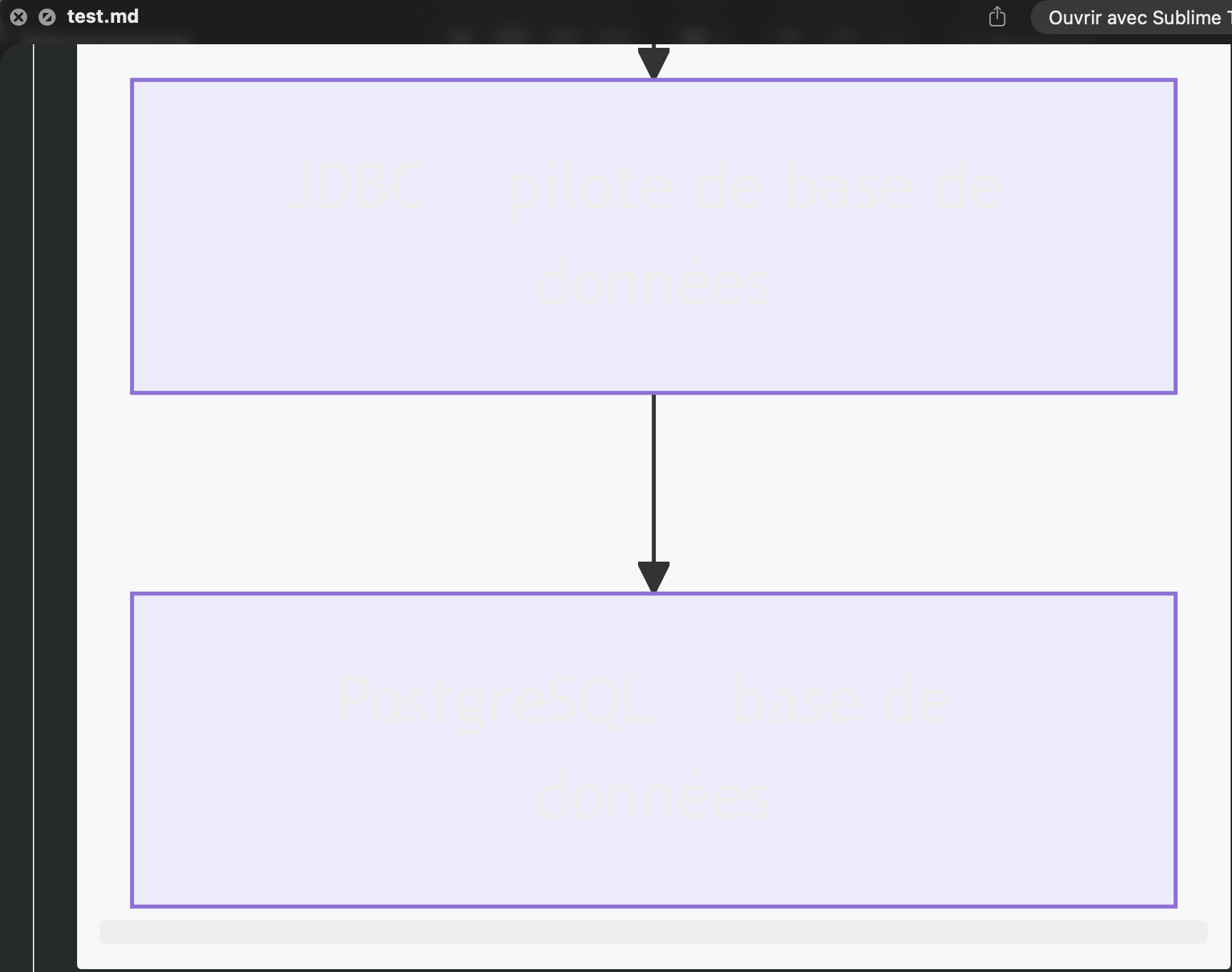
test.md

Image of a Mermaid Diagram of type graph rendered without label

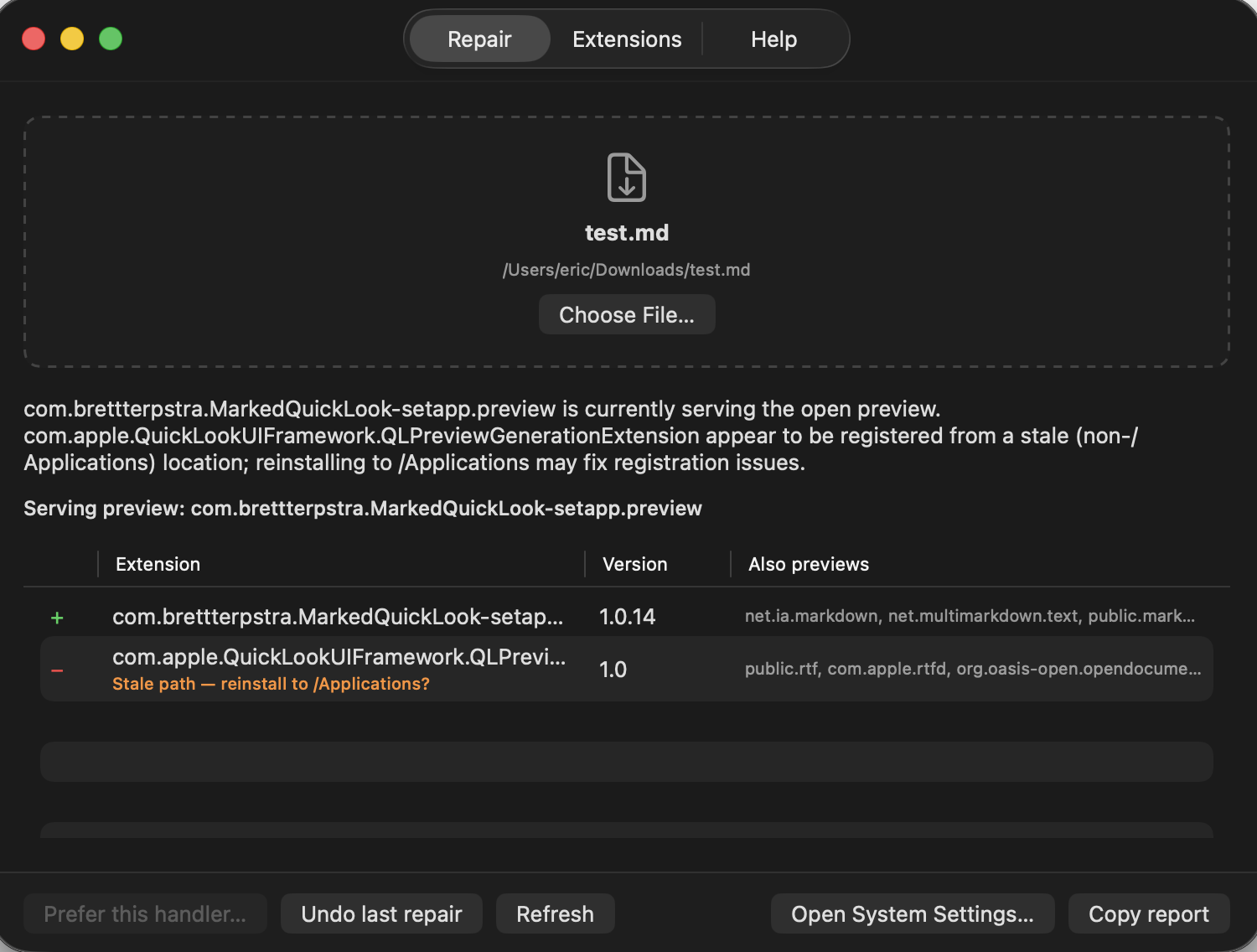
Image of QuickLook Doctor output for the test.md file

2 Answers

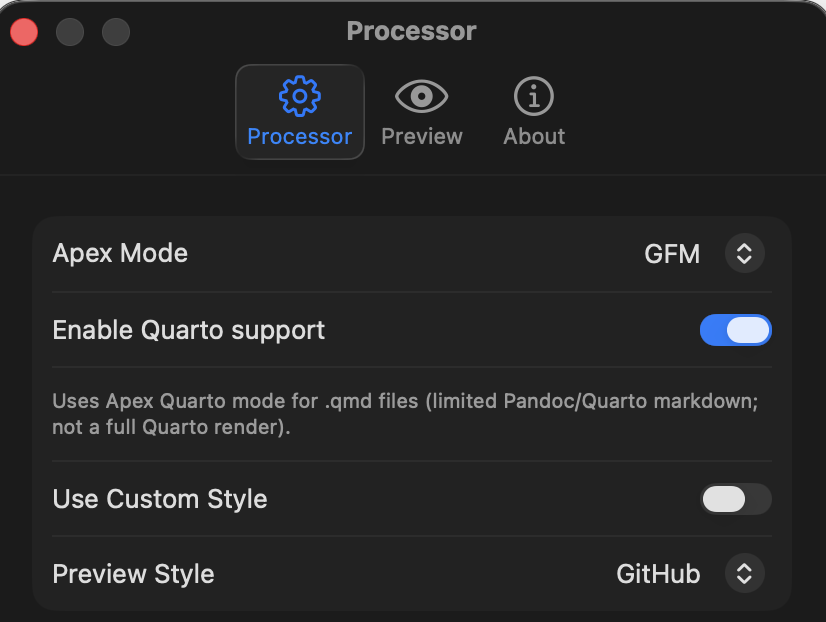
Are you using a custom theme or anything that would hide the text?

No.

MarkedQL Settings Processor page

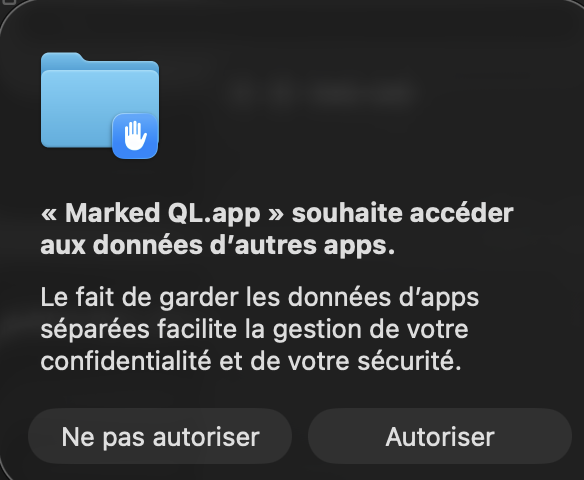
Whenever I use QuickLook to preview a file, a system pop-up window appears asking me to allow MarkedQL to access other applications. I grant the necessary permissions, but the configuration change does not persist.
This may be because I installed MarkedQL via Setapp, so the app is not in the standard Applications folder.

macos-access_other_apps-confirmation_window

I will experiment with the settings to see if this helps, and I will let you know the outcome.