Export to PDF text too large

Viewed 42

Marked 3 is a very useful app. I have integrated it with BBEdit and DEVONthink.

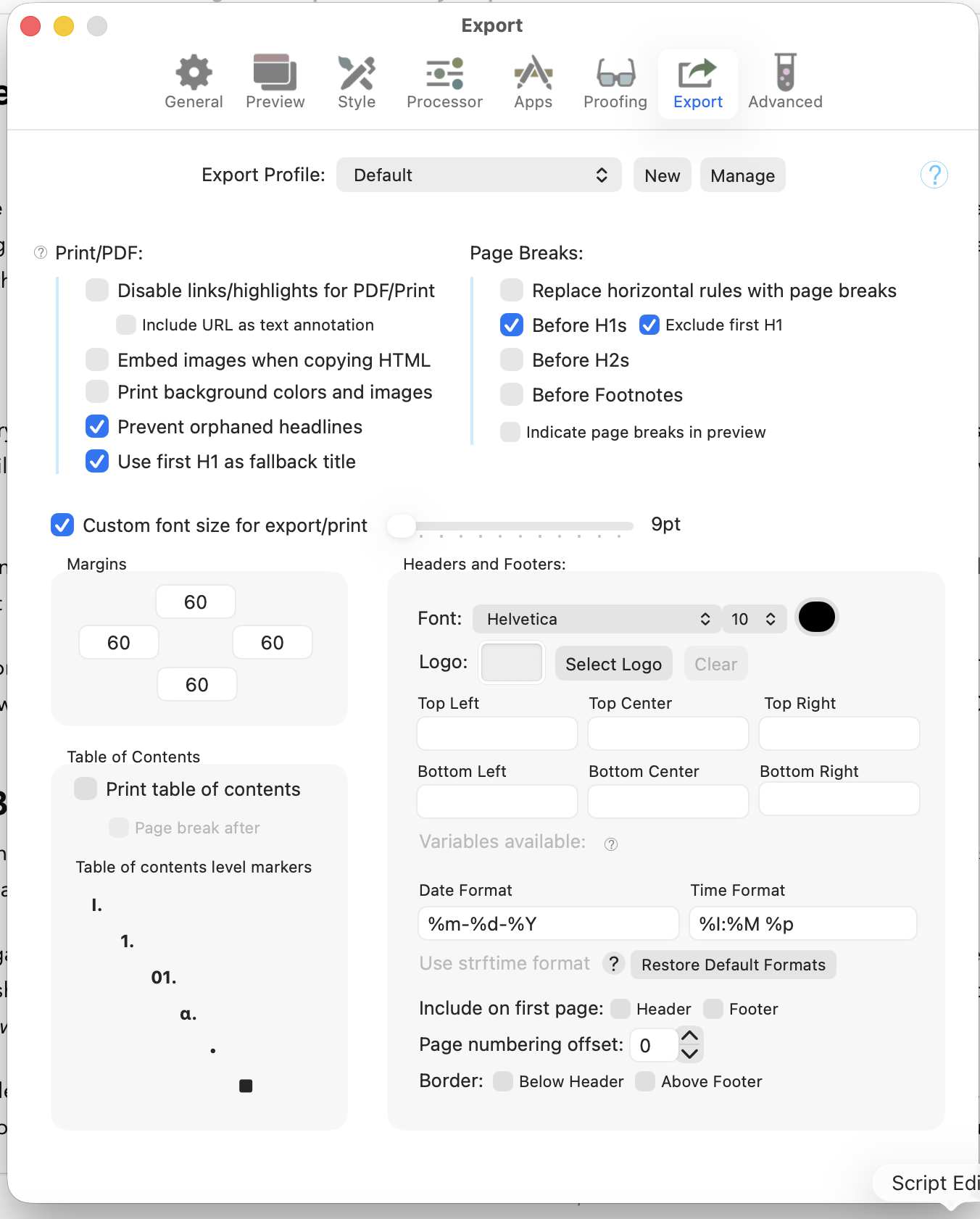
However, when I export from Marked 3 to a pagated PDF, the text is very large. I tried toggling the "Override base font size" with the slider to the left side, but either way, the body text and headers are very large.

Any suggestions?

Yours,
Mark

3 Answers

I've been a Marked user for years, and this problem has been around for a long time for me. I've attached example files:

(1) md-example.md (original .md file)
(2) Render of the file in Marked looks great.
(3) print-example.pdf (Ack! Print sized for an 80 year-old man with bad eyes)

My theory is that Brent uses WebKit for the PDF rendering, and there is something amiss there. My only current workaround is to export from Marked as HTML, open the file in Chrome, and print to PDF from there. (If you do this using Safari, you get a big fat top margin on page 1 ... this is the same top-margin issue I get with BBEdit Markdown preview to print, so it isn't just Marked).