
It appears that CSS "h2 { break-before: always }" is being ignored in Marked 3, at least as rendered in Print Preview.
3 Answers
Do you mean in a custom style? The PDF/print preview no longer uses WebKit's print system, so is not affected by most webkit CSS rules. That said, it should recognize page-break-before. If you want to share an example document and your custom style, I can test.

It's a custom stylesheet.
To help you debug the issue I'll attach:
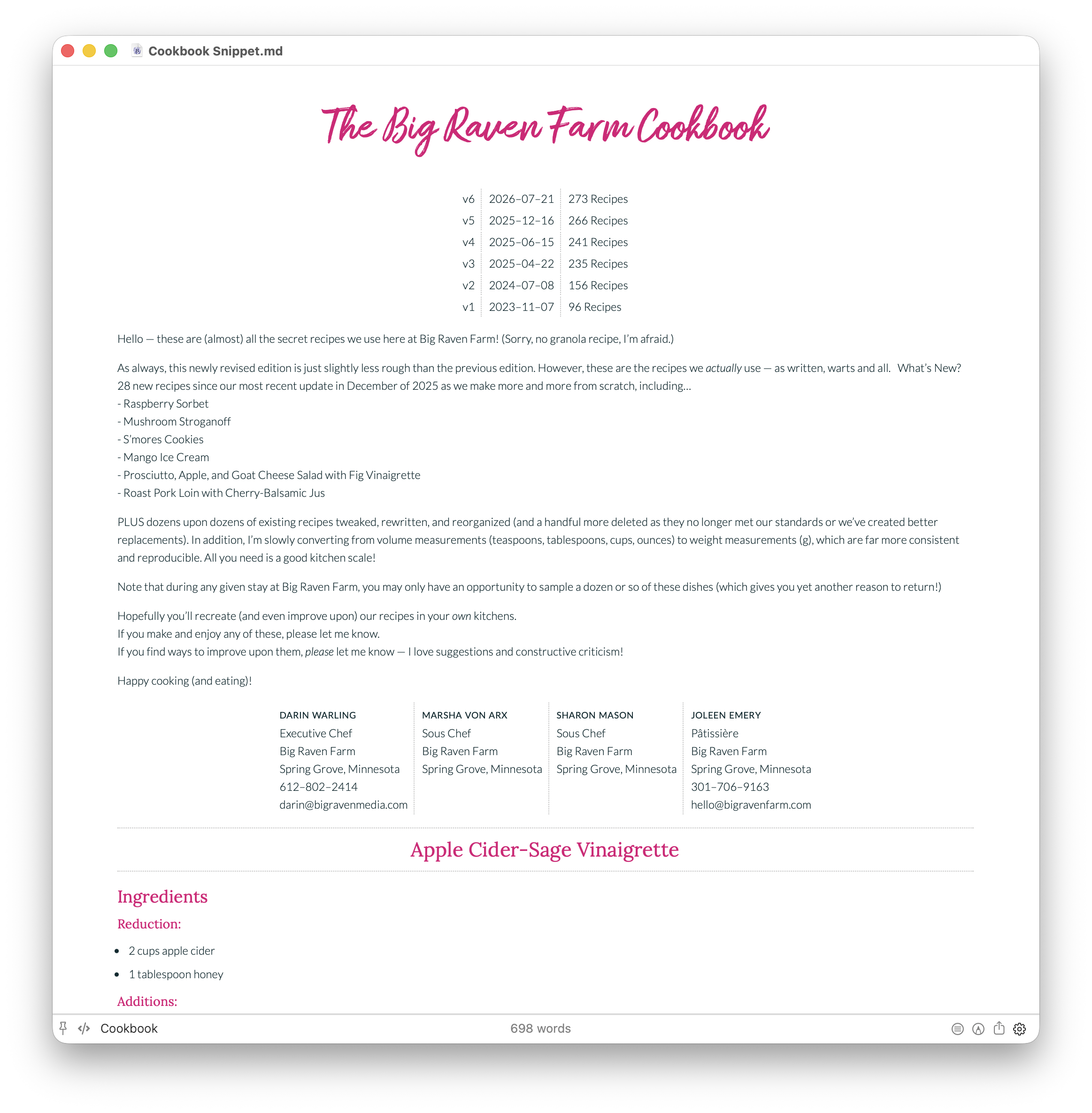
- A screenshot of the first page
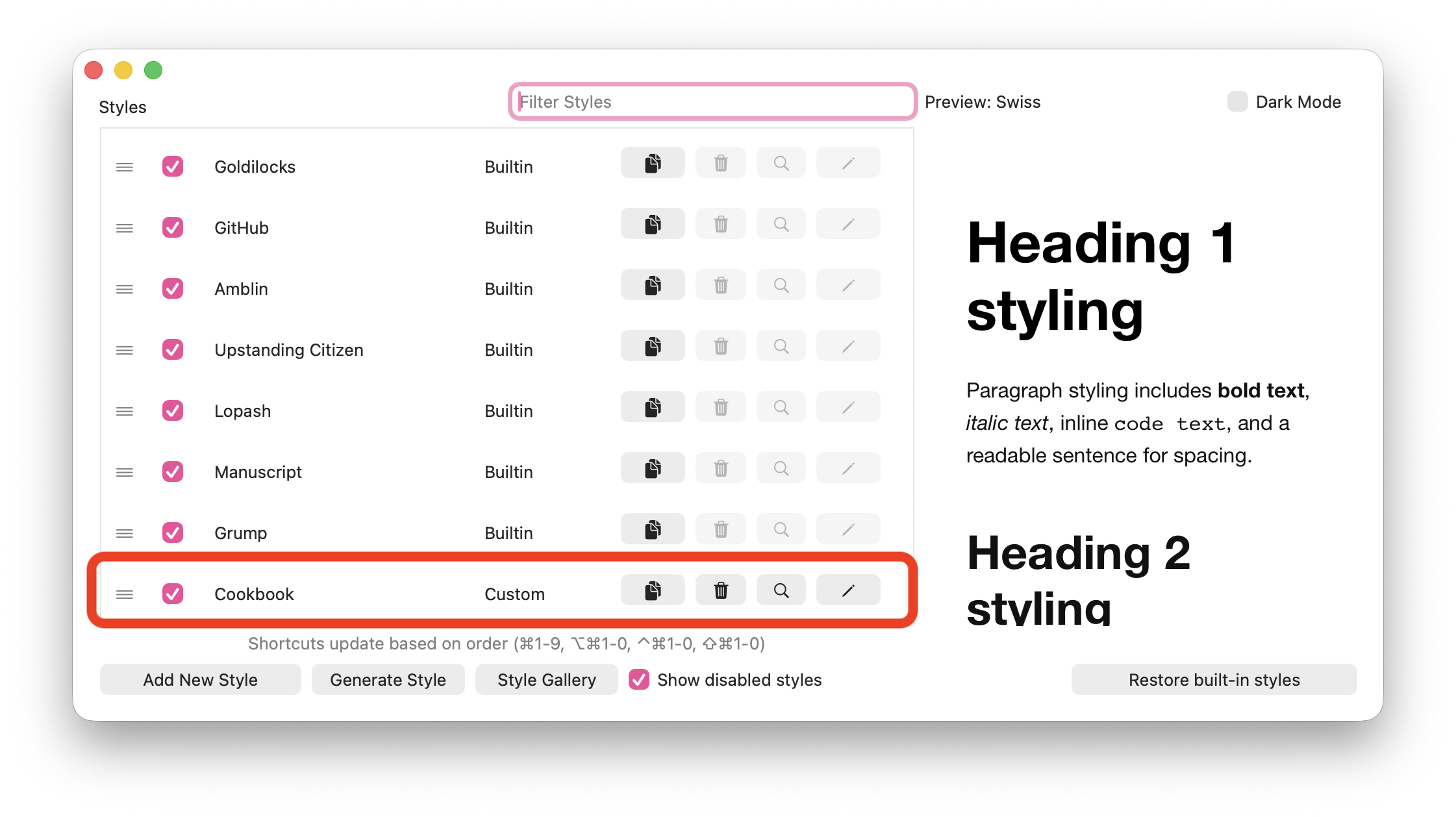
- A screenshot of the style management dialog
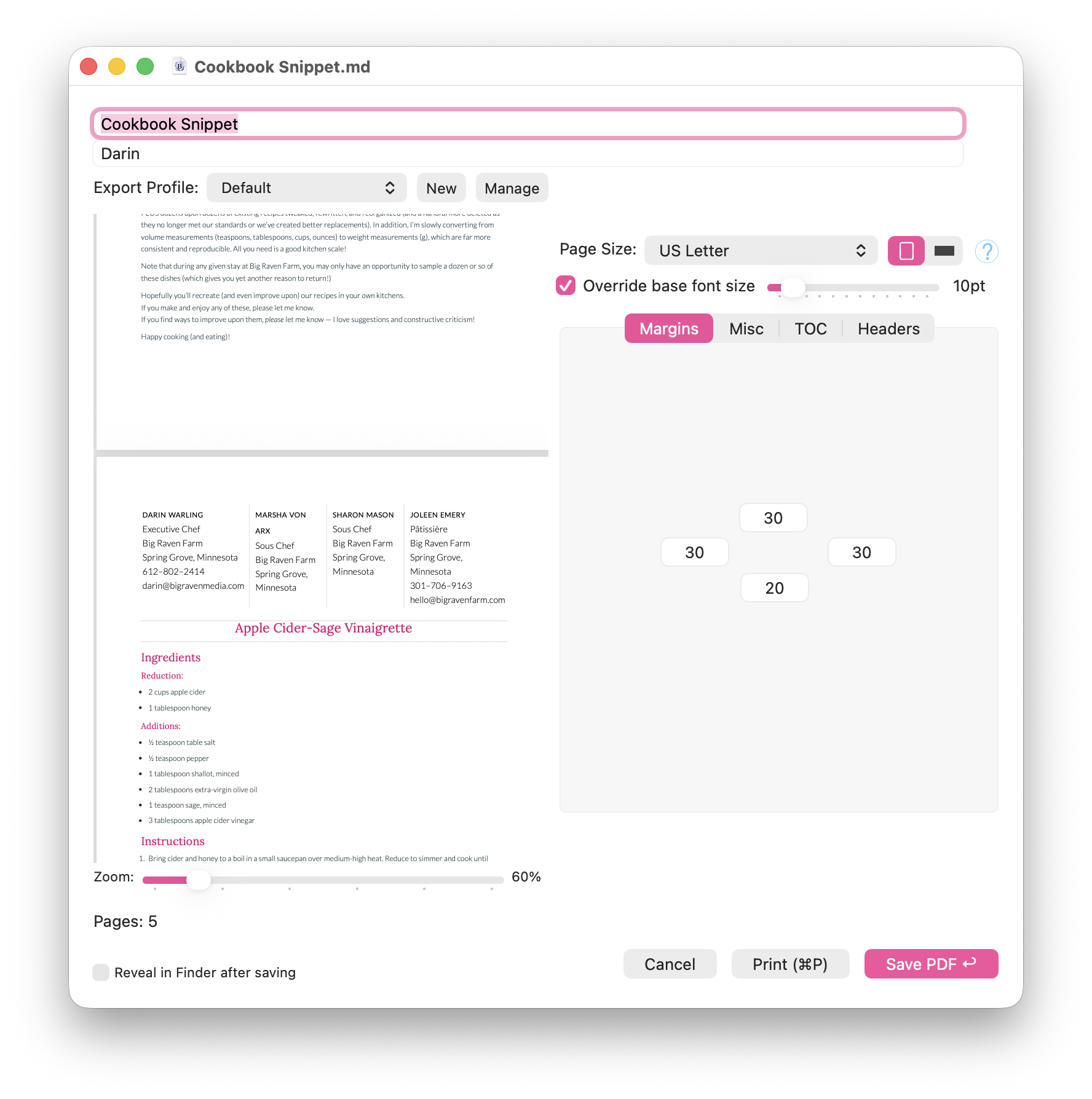
- A screenshot of the Print Preview rendering
- A snippet of my Markdown file (the whole thing is 344KB)
- My complete CSS file
The CSS indicates that there should be a page break before each of the H2 headings, such as "Apple Cider-Sage Vinaigrette" and "Apple Crisp".
Ok, as I said in another post, the ideal way to deal with this is just to enable "Add page break before h2" in the settings. page-break-before has no effect in Marked 3, but that will do exactly what you want.
At least it will. Before I recommended this to you I ran a test with your document and CSS and discovered some bugs that hadn't come to light with other documents. Those are fixed now and you can expect a working version this week.
Related
Ignored sub-bullets in bullet lists
2 answers
Best practice with RTL paragraphs for Marked 3 ?
2 answers
Warning on startup - can't find marked-pp.py
2 answers
Unable to Generate Preview when re-opening Marked
1 answers
Apex spuriously URL-encoding text
2 answers
Paginated PDF - a heading is left alone at the bottom of a page
1 answers