
External images are getting processed strangely when rendering Scrivener projects.
I have the equivalent of the following in both a Markdown file and a Scrivener project (it's a list of external images, all available at the relative path):
# Test images
{.nocaption width=25% height=25%}
{.nocaption width=25% height=25%}
_female_with_six-week-old_baby.jpg){.nocaption width=25% height=25%}
{.nocaption width=25% height=25%}
For the Markdown file, Marked mostly correctly renders all of the images:
- with a custom Pandoc processor, everyting is perfect
- with the MultiMarkdown processor, the images are displayed, but the Pandoc-specific
{.nocaption width=25% height=25%}obviously doesn't work (not pictured)
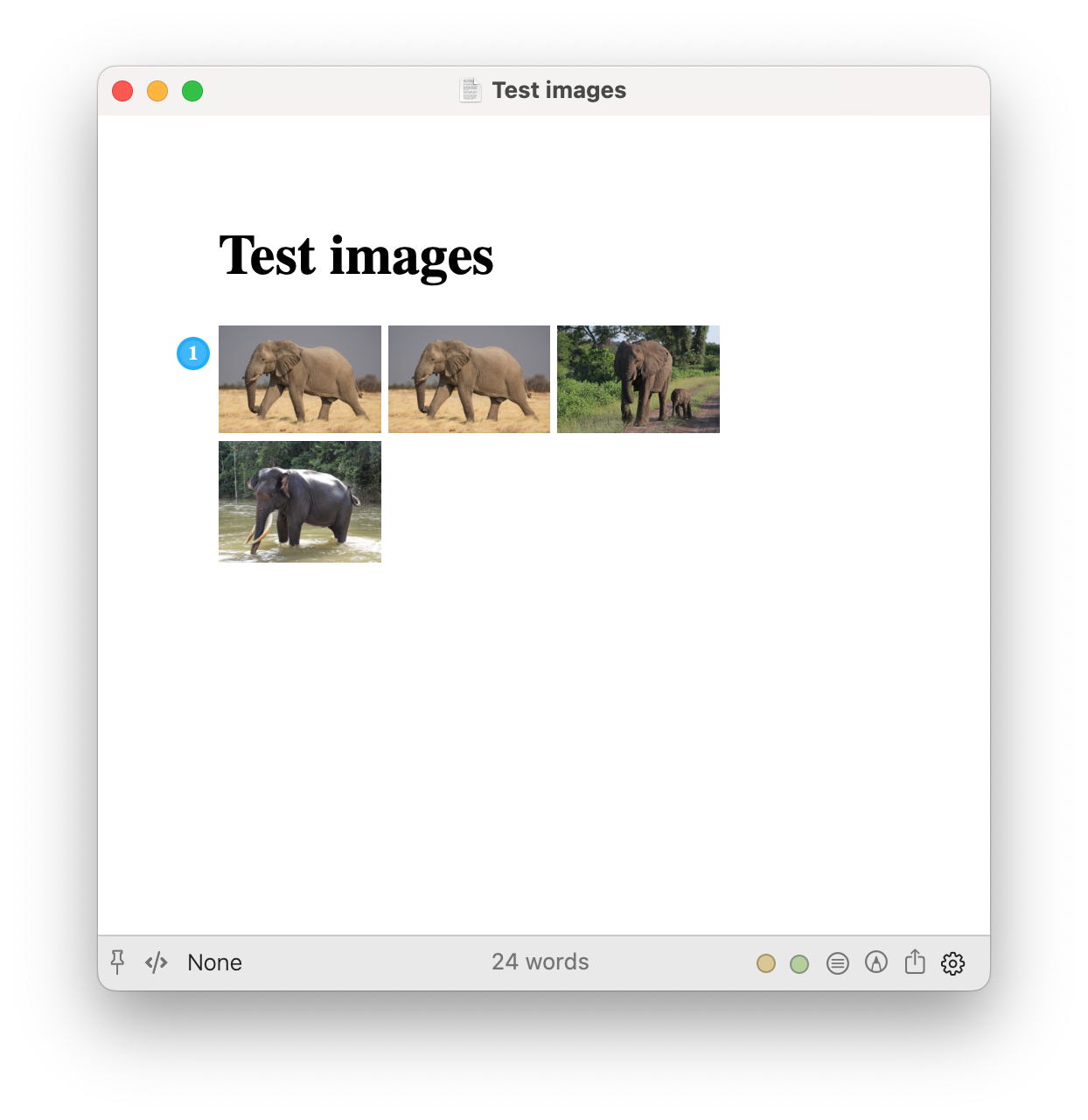
However, for the Scrivener project with the same list of images, there are issues:
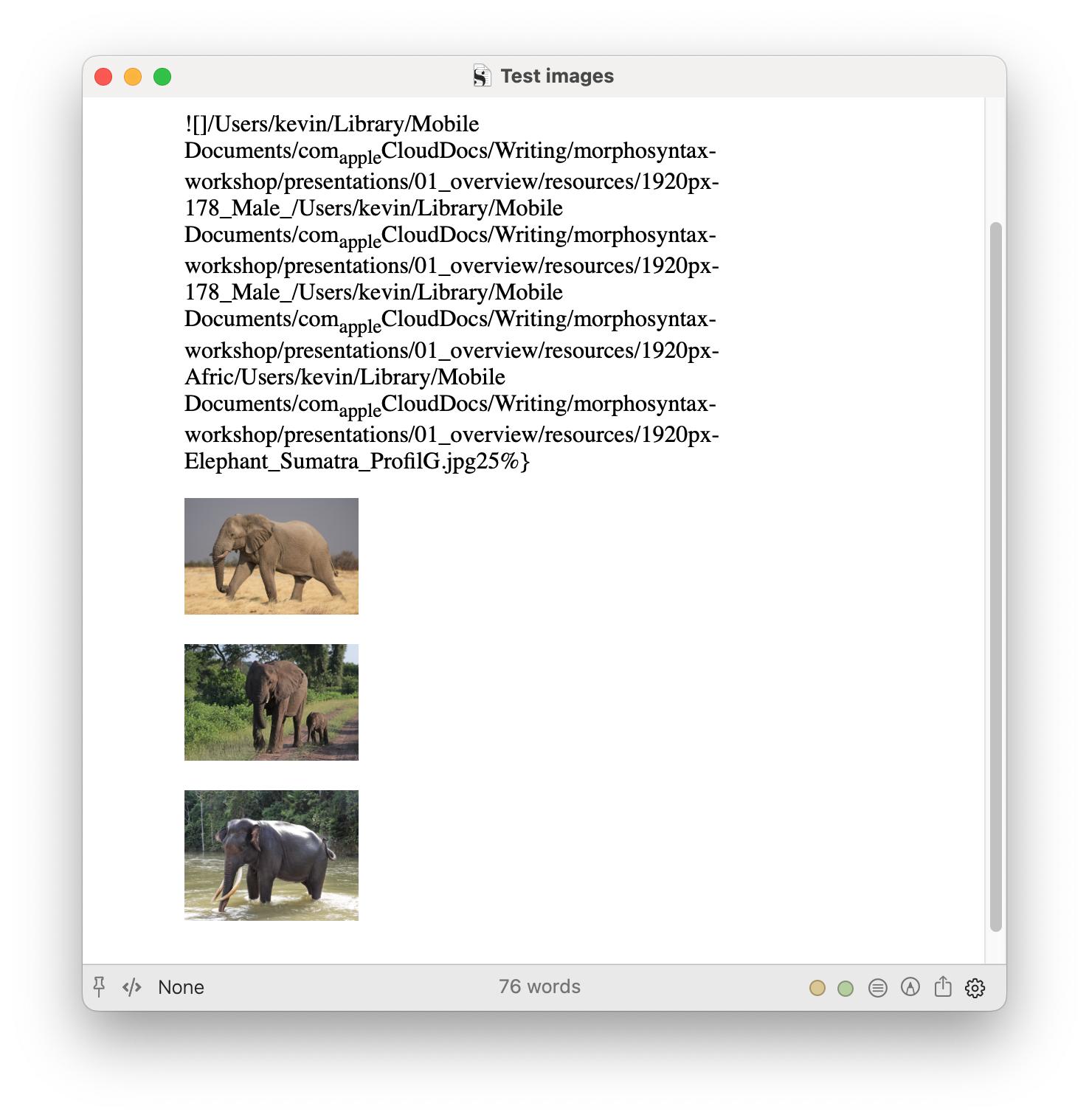
- with the Pandoc custom processor:
- the first image is not rendered, and instead it produces some messed-up version of the Markdown image tag (see below).
- however, all of the subsequent images render as expected.
- note that the the first two image tags are actually the same, and it gets rendered the second time (first displayed image), just not the first.
- with the MultiMarkdown processor, none of the images render:
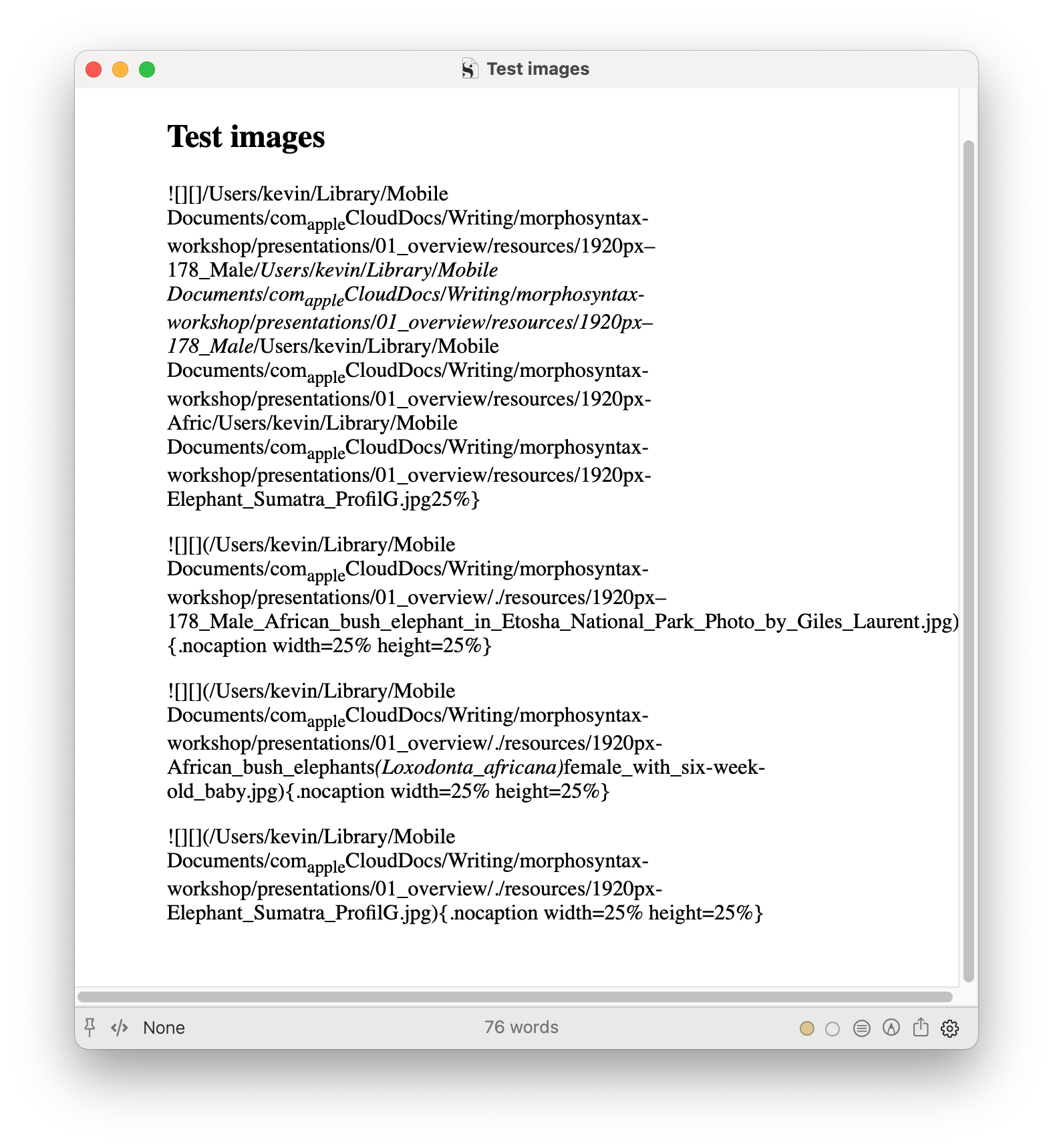

To clarify, from Scrivener input, Pandoc via Marked never renders the first image tag in any document/section, even if it's the only image tag in the document/section. Subsequent image tags in the same document/section always render.