Scrivener issue - External images processed incorrectly

Viewed 31

External images are getting processed strangely when rendering Scrivener projects.

I have the equivalent of the following in both a Markdown file and a Scrivener project (it's a list of external images, all available at the relative path):

# Test images

![](./resources/1920px-178_Male_African_bush_elephant_in_Etosha_National_Park_Photo_by_Giles_Laurent.jpg){.nocaption width=25% height=25%}
![](./resources/1920px-African_bush_elephants_(Loxodonta_africana)_female_with_six-week-old_baby.jpg){.nocaption width=25% height=25%}
![](./resources/1920px-Elephant_Sumatra_ProfilG.jpg){.nocaption width=25% height=25%}

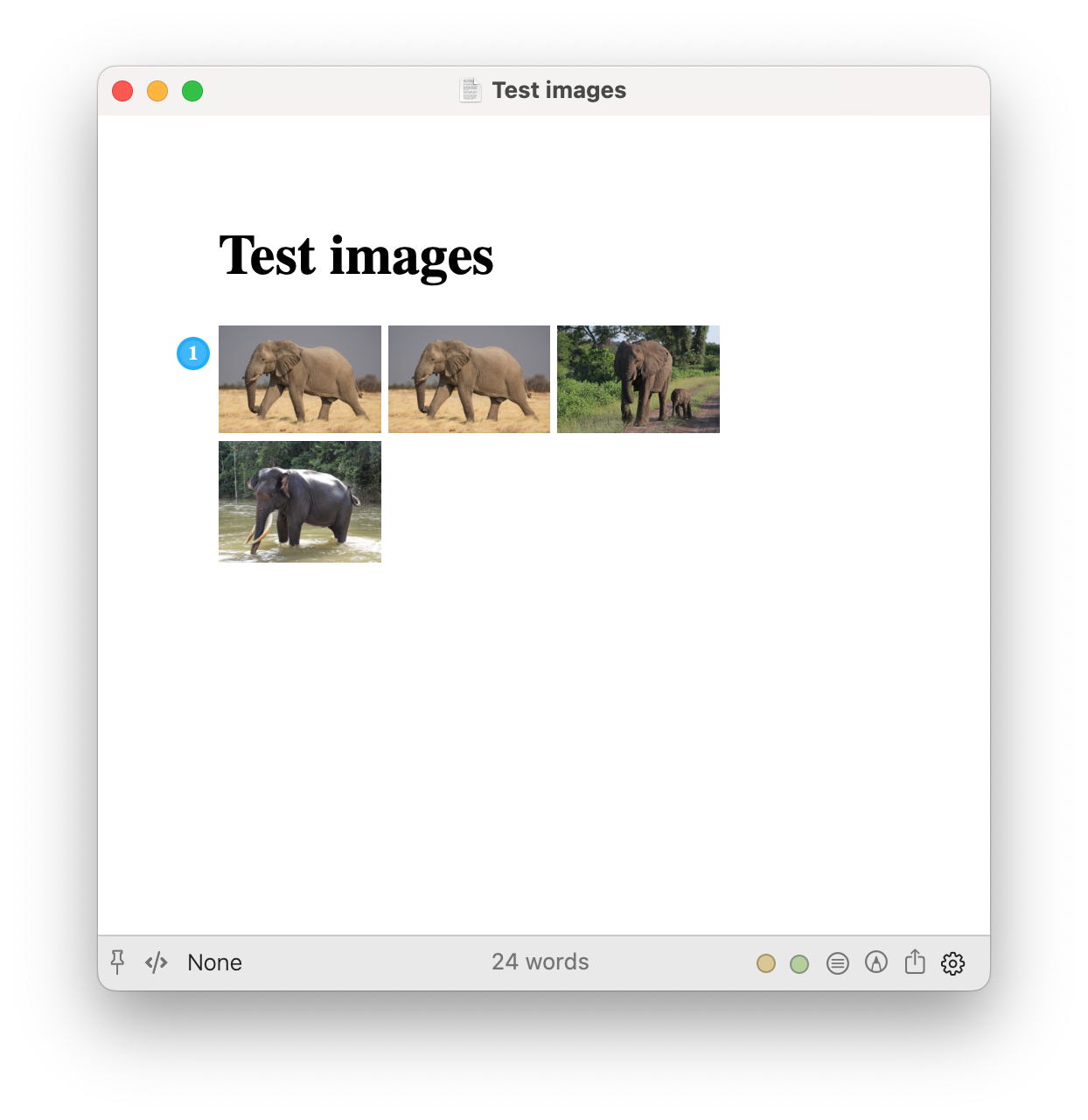
For the Markdown file, Marked mostly correctly renders all of the images:

  • with a custom Pandoc processor, everyting is perfect
  • with the MultiMarkdown processor, the images are displayed, but the Pandoc-specific {.nocaption width=25% height=25%} obviously doesn't work (not pictured)

Pandoc Markdown file rendering

However, for the Scrivener project with the same list of images, there are issues:

  • with the Pandoc custom processor:
    • the first image is not rendered, and instead it produces some messed-up version of the Markdown image tag (see below).
    • however, all of the subsequent images render as expected.
    • note that the the first two image tags are actually the same, and it gets rendered the second time (first displayed image), just not the first.
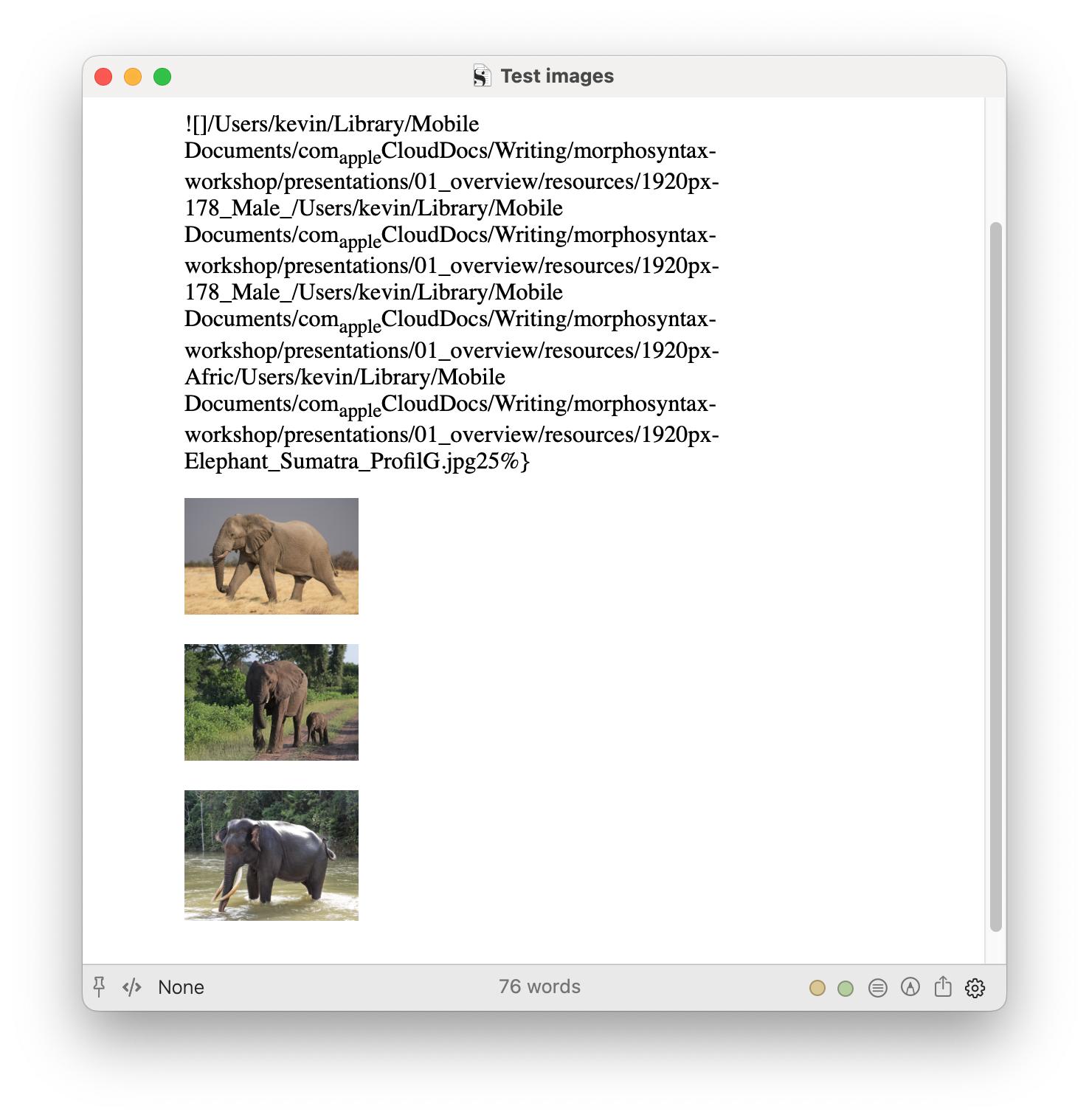
Pandoc Scrivener rendering

  • with the MultiMarkdown processor, none of the images render:
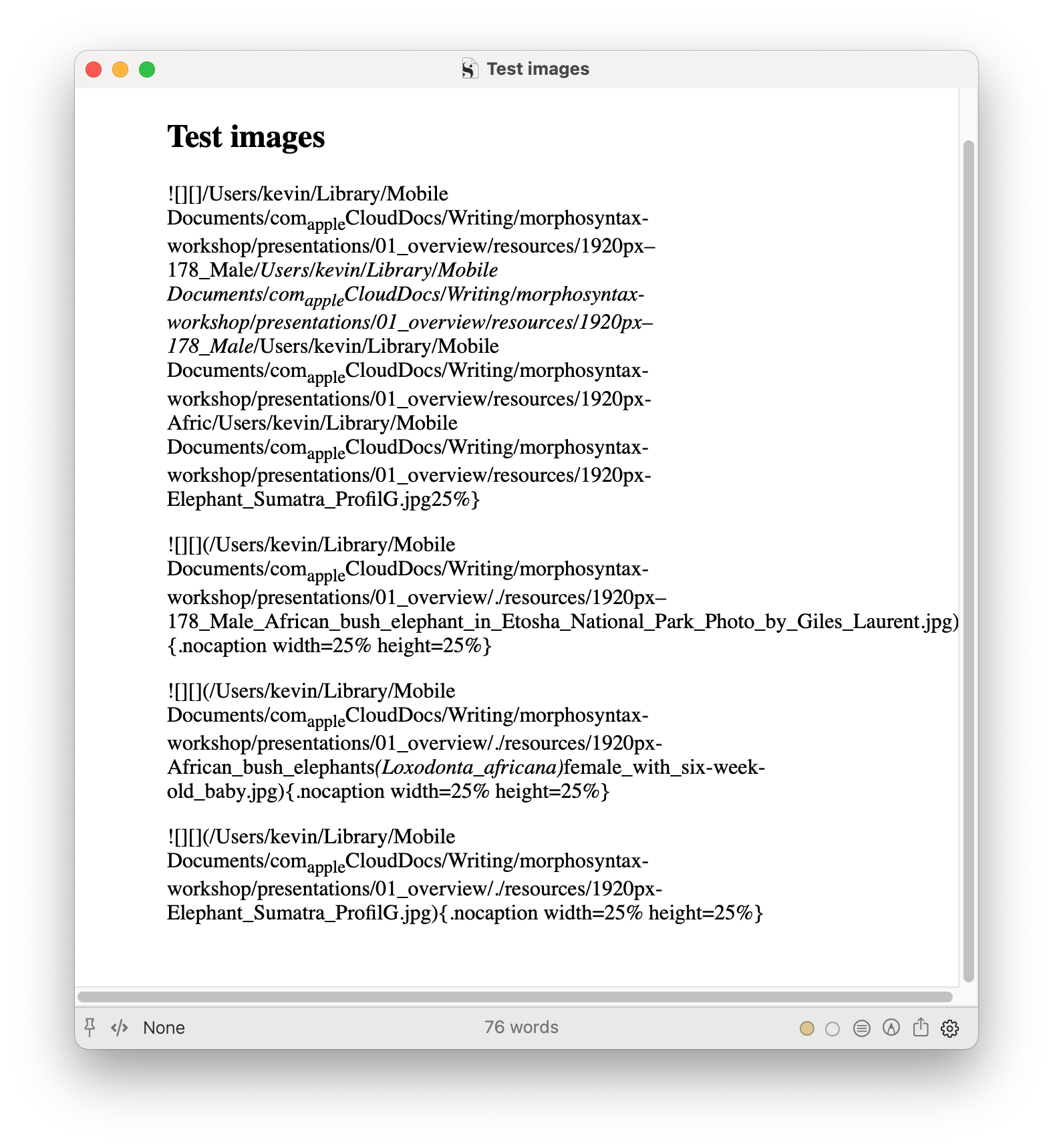
MultiMarkdown Scrivener rendering

To clarify, from Scrivener input, Pandoc via Marked never renders the first image tag in any document/section, even if it's the only image tag in the document/section. Subsequent image tags in the same document/section always render.

2 Answers

That looks pretty wild, I'll look into it right away.

I have this solved for the next update, out shortly.

Thanks! I just tried it.

For Pandoc, it seems to be getting the all tags right now

But it looks like the path has is wrong now. It's using the Scrivener file itself (actually a package) as the current directory instead of the directory the Scrivener file is in, so the files aren't found:

<img src="/Users/kevin/Library/Mobile%20Documents/com~apple~CloudDocs/Writing/morphosyntax-workshop/presentations/01_overview/Test%20images.scriv/resources/1920px-178_Male_African_bush_elephant_in_Etosha_National_Park_Photo_by_Giles_Laurent.jpg" class="nocaption" style="width:25.0%;height:25.0%" />

The orginal Markdown uses a path relative to .:

![](./resources/1920px-178_Male_African_bush_elephant_in_Etosha_National_Park_Photo_by_Giles_Laurent.jpg){.nocaption width=25% height=25%}

For the MultiMarkdown processor, the tags are still coming out with the extra [], and it has the same path issue as Pandoc now:

![][](/Users/kevin/Library/Mobile Documents/comappleCloudDocs/Writing/morphosyntax-workshop/presentations/01_overview/Test images.scriv/resources/1920px–178_Male_African_bush_elephant_in_Etosha_National_Park_Photo_by_Giles_Laurent.jpg){.nocaption width=25% height=25%}